Team, clients, and roles
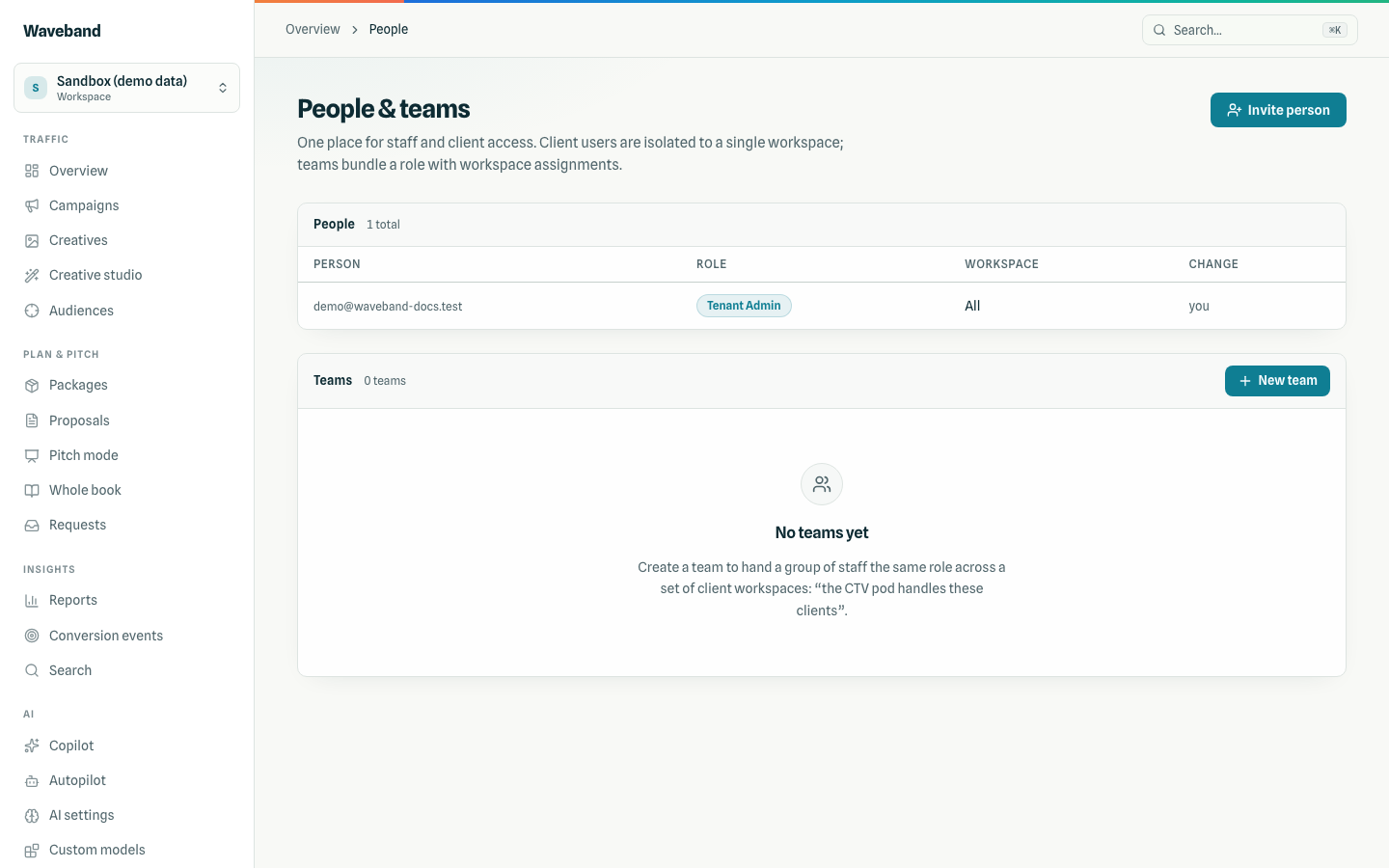
Everyone with access, staff and client alike, is managed on Console → People & teams. Invited people sign in with an email code; there is no password to set up.
Staff roles
| Role | Can |
|---|---|
tenant_admin | Everything in the account, including billing, branding, domains, and people. |
workspace_admin | Run campaigns, creatives, audiences, tracking, API keys, and people, and view billing. Can't change billing, branding, or custom domains. |
tenant_analyst | Read everything except API keys, and create report share links. |
workspace_analyst | Read campaigns, creatives, audiences, and reports, and create report share links. |
viewer | Read-only, without billing or API keys. |
Staff roles cover all workspaces or one. API keys carry scopes you pick at creation, never wider than your own role (see API reference).
Client roles
client_viewer, client_approver, and client_collaborator are always bound to exactly one workspace and never see billing, people, other workspaces, or developer settings. What each can do, how spend is shown to them, and change requests: Client portal.
Inviting and removing
Invite a person takes an email, a role, and a workspace (required for client roles). Change a role or workspace inline; removing someone ends their access immediately. Your plan sets how many staff users and client logins you can have (see Billing).
Nobody can give access wider than their own: a role (or an API key) can only grant roles whose permissions it already has. Someone limited to one workspace manages people in that workspace only; tenant-wide access and tenant roles are granted by tenant-wide admins.
Teams
A team bundles a staff role with a set of workspaces, for example a CTV pod that handles five clients. Adding someone to a team grants that role on those workspaces on top of their own membership; removing them takes away only the team grant. Teams never widen client users, and only tenant-wide admins manage teams.